


KOL Review


Customers praised this wireless controller's TMR joysticks for drift-free precision and comfortable ergonomics. "Possibly the best controller I've used," with adjustable triggers, customizable RGB, and switchable ABXY layouts. Battery display helpful though life "a little low." Some concerns about D-pad fit and lack of Xbox compatibility. Works well across PC, Switch, and mobile.
j
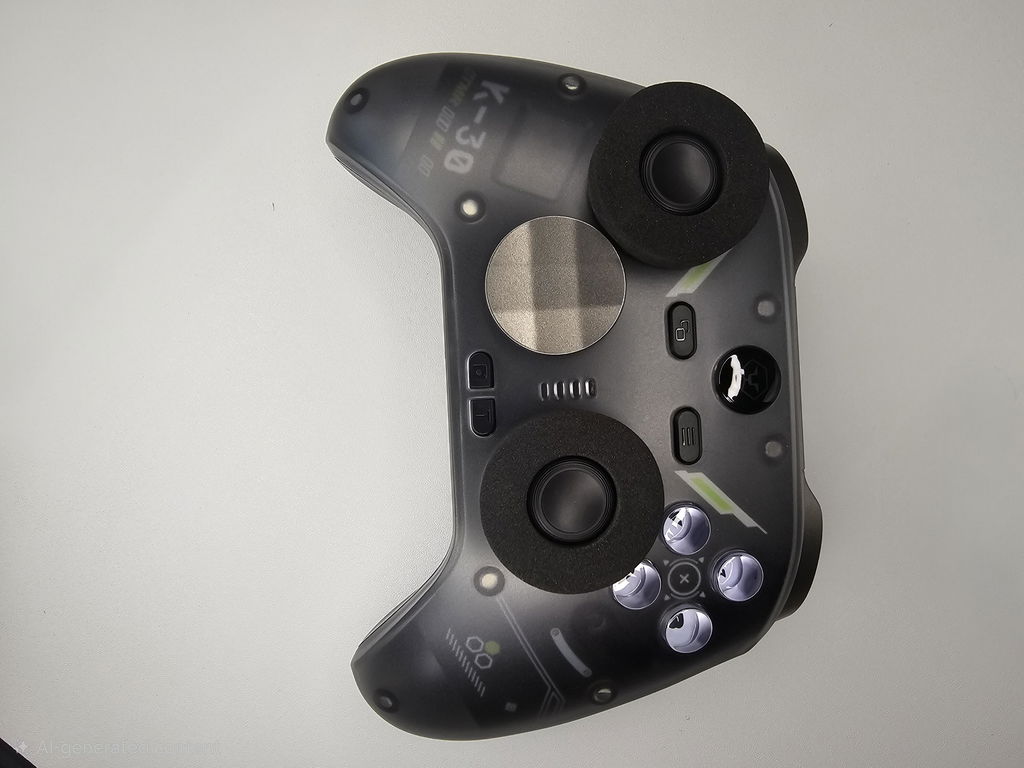
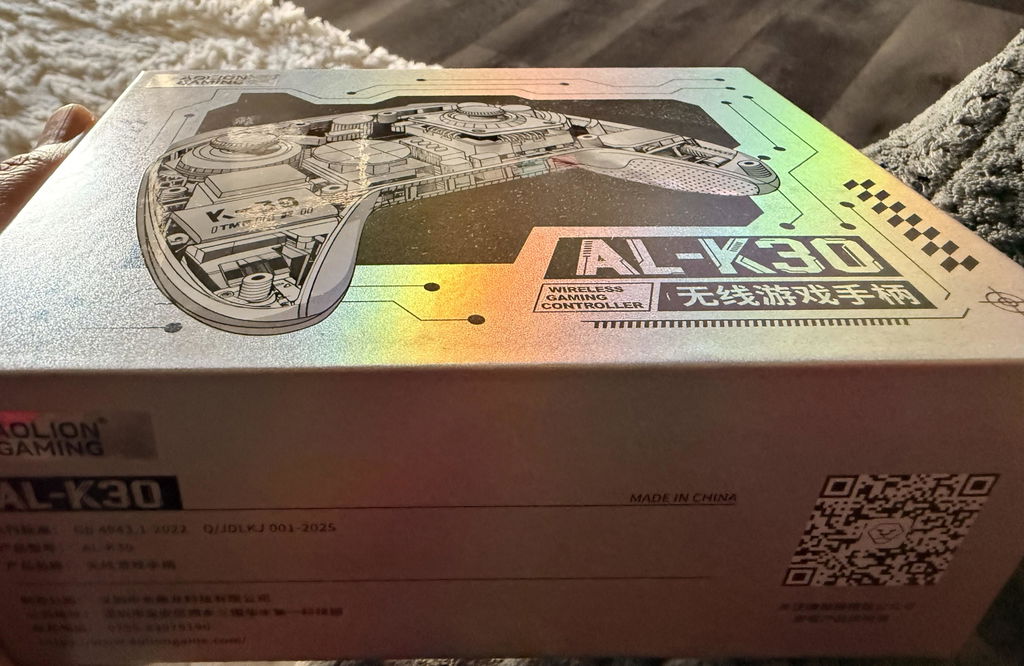
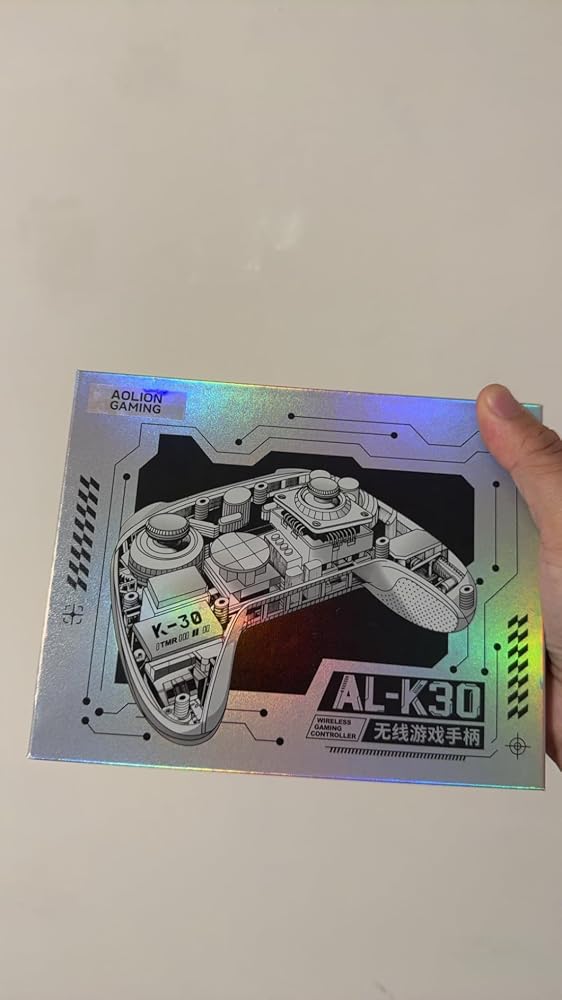
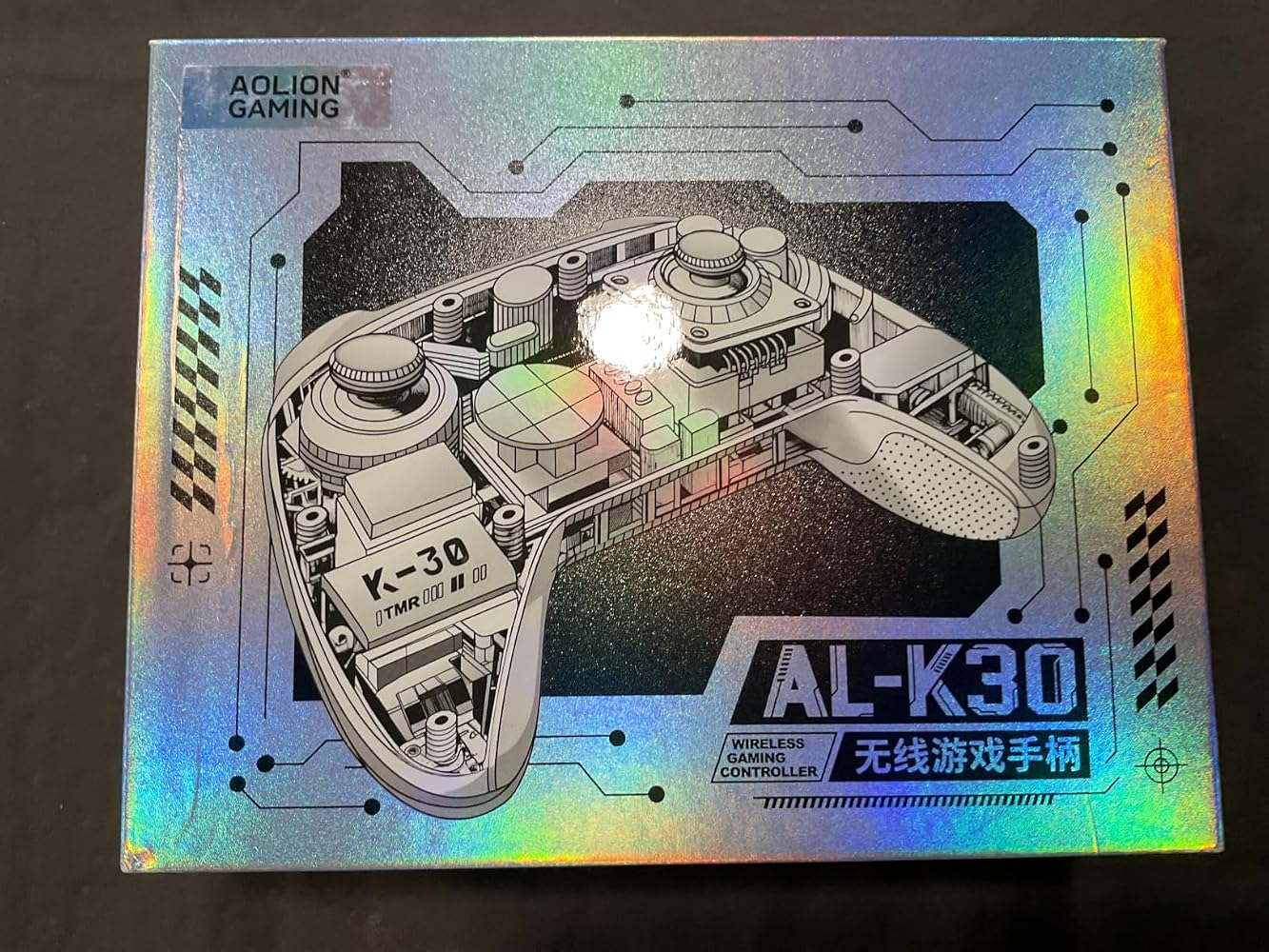
That controller and packaging was peak🔥
C
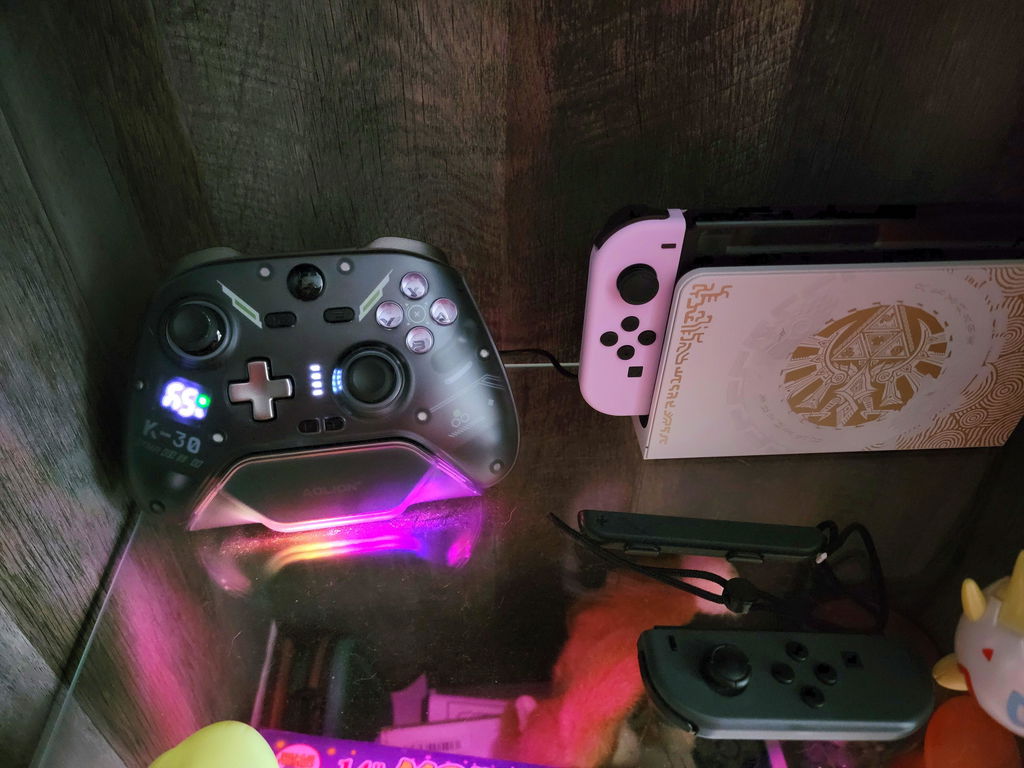
So far the controller has been great, I've had no issues with anything. It looks sleek when sitting on its charger
G
This controller has more features than I expected, but thankfully it doesn’t feel difficult to use. I mainly wanted good sticks and reliable wireless connectivity, and both have been solid so far.The vibration can be adjusted, the back buttons are useful for games where I don’t want to take my thumb off the stick, and the battery display is convenient. I also appreciate being able to use Bluetooth, wired, or the wireless receiver depending on what I’m playing on.It’s become one of the controllers I reach for most often.

M
I wanted something with a little more customization than a standard controller and this has been a good upgrade. Bluetooth connection to my Switch was straightforward, and I use the USB receiver when playing on PC.The Hall triggers and sticks feel responsive, especially in racing and action games. I also like being able to change the ABXY layout with an actual switch instead of changing settings every time I move between platforms.The white design looks really clean in person too. So far I’m impressed with the overall build and versatility.

L
I’ve been using this controller mostly on PC and Switch and I’m really happy with it so far. The sticks feel smooth and precise, and the buttons have a nice responsive feel. I especially like the physical ABXY layout switch since I go back and forth between PC and Switch pretty often. Switching the button layout without having to remember a button combination is surprisingly convenient.The controller also feels comfortable during longer gaming sessions. The RGB is a nice touch without being too much. Overall, it feels like a solid controller with a lot of useful features for the price.


A
I’ve used this for several gaming sessions and the overall experience has been very good. The sticks are smooth, inputs feel responsive, and the grip is comfortable even after playing for a couple of hours.My favorite feature is probably the physical button-layout switch because I regularly play on both PC and Switch. The adjustable stick height is also a nice addition that I didn’t expect to use as much as I do.There are a lot of extra features and it took me a little time to figure everything out, but once set up it works well. Overall, a very capable controller for someone who plays on multiple platforms.

D
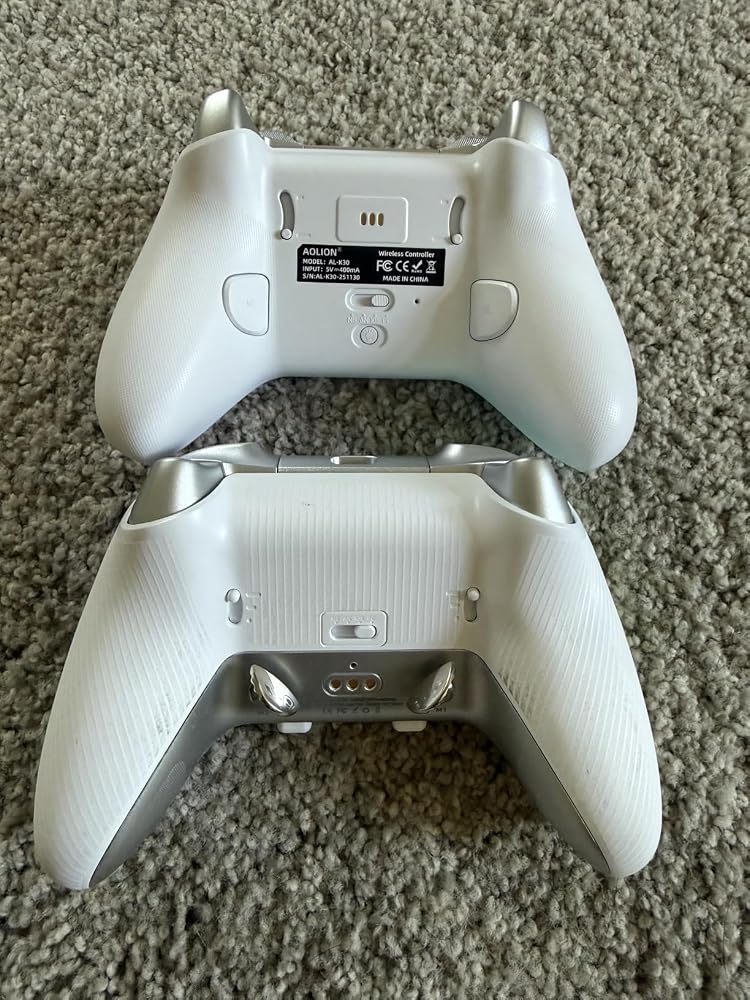
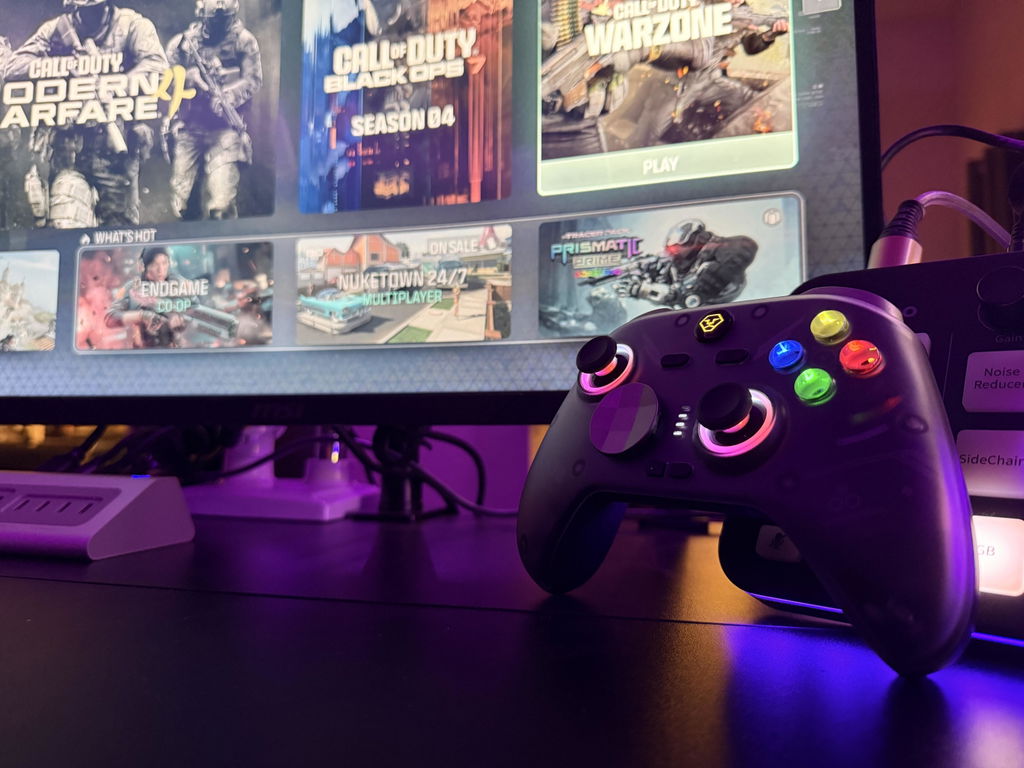
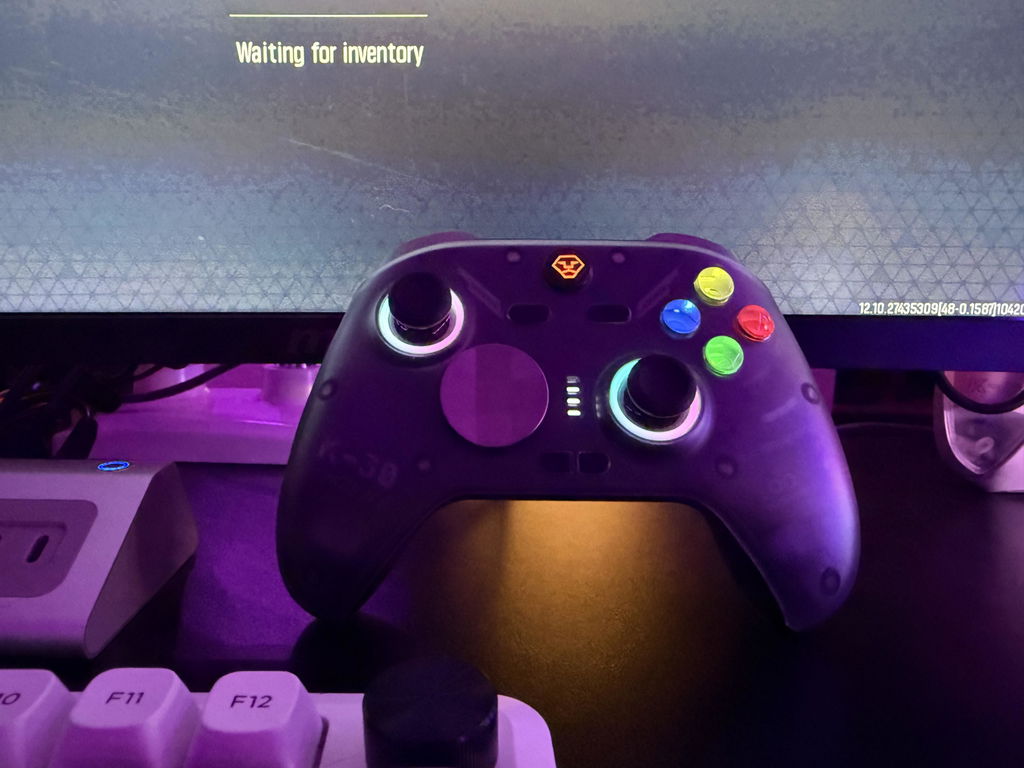
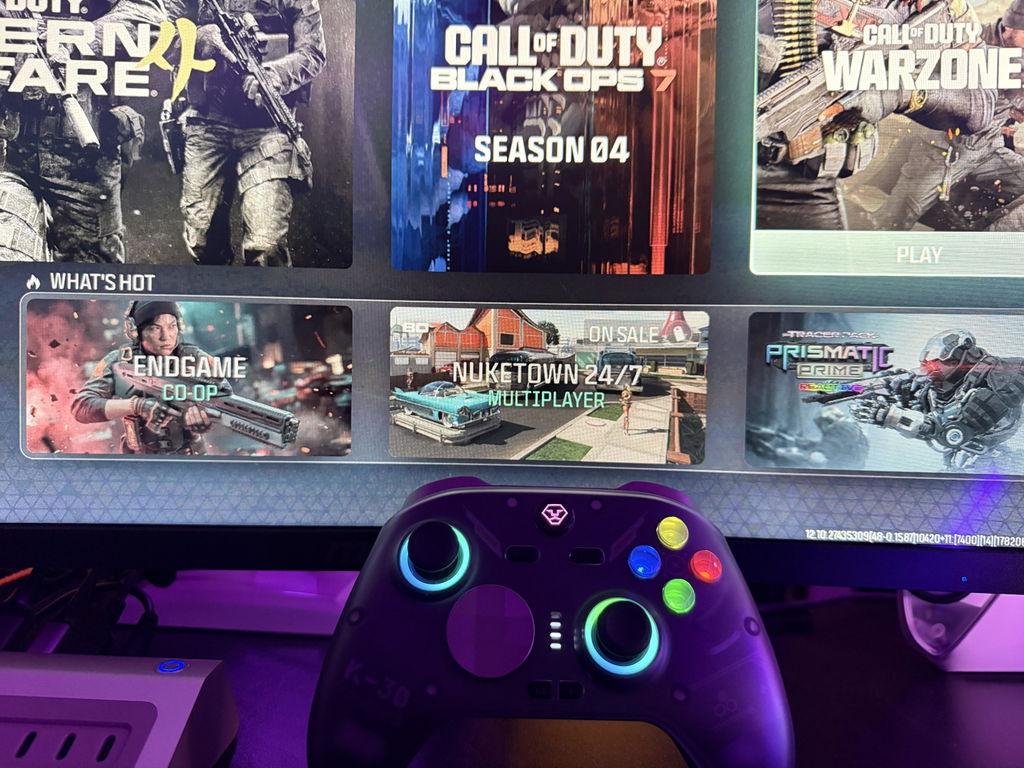
I've used the Aolion K20 for a few months now and love it. I was super excited to try out the K30 and see how it compares, but I think I got my expectations a bit high. Here are my thoughts:1.) The K30 controller is dead gorgeous. Aolion really added some nice touches to the aesthetics. The face buttons have an awesome under glow to them that really make the AXBY buttons pop. I also feel like the LED rings surrounding the joysticks are a lot smoother and have nicer color blending and saturation.2.) The inclusion of a battery level screen is a great choice. I much prefer seeing "10% battery" instead of guessing whether the last little bar is 25% or 10%. I can quick look at the controller and know I need to get it charged up before my next gaming session.3.) The K30 I got does not ship with a charging dock. I would have preferred one. I thought about using it with my K20 dock, but they are incompatible. Not a fan of that decision.4.) The K30 is noticeably lighter in the hand and has a fantastic texture to the shell. I actually prefer that over the heavier K20. It feels more natural in my hand and makes for longer gaming sessions.5.) The new backside buttons are a lot better. They feel more clicky and easier to reach. I always thought the K20 bottom buttons were tacky looking. I'm very happy about this change.6.) All the buttons are very responsive and the TMR sticks never drift.Overall, it's a good controller. There are many updates that improve upon the K20, but the lack of an included dock killed the hype a bit for me. At $50, it's reasonably priced, but $60 for the same controller with a dock would have been a lot better. Still a great controller and it earns those 5 stars.


J
This controller is AMAZING. TMR sticks feel great, mechanical triggers are satisfying to press especially when you playing FPS like WarZone on the instant setting! Looks amazing, the texture on the back handles helps when you get a little sweaty. The rear buttons are mappable and once you get used to them you’ll never go back to any regular controller again. Trust me, you’ll be happy you picked one up.
S
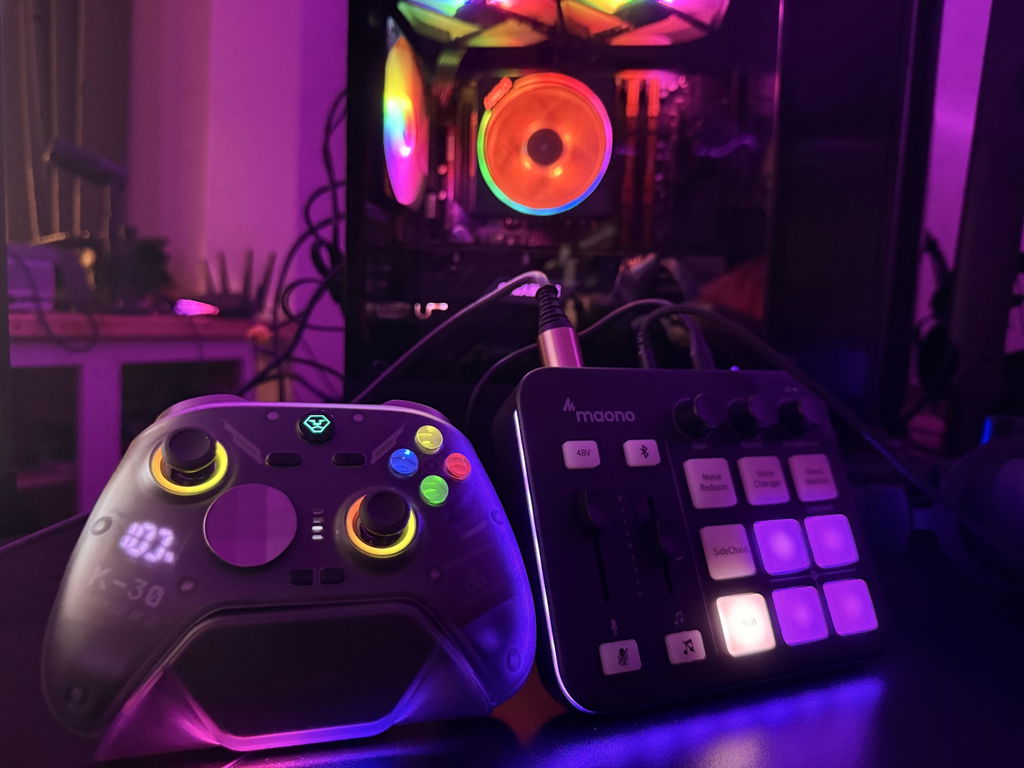
What stood out to me most was how customizable this controller is. I ended up trying the different thumbstick heights and found that the taller stick actually helped me with aiming in shooters. I also swapped out the D-pad just to see how it felt, and it's nice having those options included instead of needing to buy extra accessories. Not everyone will use every customization feature, but it's nice being able to set the controller up exactly how you like it.The RGB lighting looks clean and isn't overly bright, and the battery display is something I check more often than I thought I would. It's nice knowing exactly how much battery is left instead of getting surprised in the middle of a gaming session.


C
This gaming controller has been an excellent upgrade for my PC gaming. The TMR joysticks feel smooth and precise, and the zero drift performance is a huge advantage. The Hall Effect triggers are responsive, the customizable back buttons add extra flexibility, and the switchable ABXY layout is a thoughtful feature. RGB lighting looks great without being distracting, and the controller feels comfortable during long gaming sessions. Overall, it delivers premium features and impressive performance at a great value.

A
Very well designed ergonomic design that has a good grip feel. It takes a bit of repeated practice to avoid the clicking the back buttons while picking up the controller. I will be giving my experience using this controller for the Switch2 system. I do not have/use any other consoles and do not game on my laptop. It is very easy to set up to use with a Switch 2. Just set the slider to NS, turn on the system and long press the home button. The Switch 2 will pick up the signal and it’s connected. The ABYX buttons are not in the standard order and there is a way to change them to match the Swith setup, but I have not figured out that part yet. I not really that tech proficient and it takes me awhile to figure things out. The signal response is immediate and the vibration feedback is better than the original Switch controller. Since this controller is a bit larger, it feels better in my hands and the buttons are laid out in a more ergonomic fashion the reduces fatigue and stress. The Z buttons have a great spring back and are easily accessible. The d pad is positioned slightly lower than the original controller so it takes a bit to adjust to it’s position. The controller has interchangeable right hand joysticks (tall and short). I like the shorter stick for racing games and the longer stick for more precise movements in strategy games. The build of this controller feels sturdy and well made. There are no burrs or defects in the build. Charging is straightforward and a charging cable is included (no power brick). There is a battery readout level in the back. I have been playing intermittently for 5 days and it’s holding at 50%. Overall a really great value for the price point



C
order was completely wrong plus missing an entire items no dock
R
Possibly the best controller I've used, the battery life is a little low compared to some other options, but with the battery % display it never dies out of nowhere. The adjustable triggers have vastly improved my experience in some games, and whilst I've yet to fully utilise the M buttons I can definitely see myself finding them useful in the future. Swappable d-pad and adjustable RGB are nice to have. Overall I recommend the controller completely, especially at the price!
A
Works phenomenal absolutely love the controller
S
really great works great
K
Absolutely love the controller, it feels good in your hands and I like the overall quality it has on the materials. Tested on my switch and no problem. And I love the fact that’s practical in other platforms like PC, android, IOS. The RGB lights are a nice touch and customizable. What I don’t see as natural is the dpad button change, the modern version fits perfectly but the classic doesn’t, even though it has a pattern to put it on the controller. Overall I don’t mind it too much because I like the modern dpad better.
And when I have my switch 2, I’m definitely buying the joycon versions of the console because of the TMR joysticks.
s
great
s
nice controller very versatile wish when you switch it to switch mode while connected to pc the button mapping follow where the physical buttons are like in pc mode but still good controller
M
I like the feel of the controller. Its a lot better than the power A and hori controllers for the switch 2. I would buy switch 2 joycons if they were out.
Hi Mark, we're glad you're enjoying the feel of the AOLION K30 TMR controller! Great timing: our J30 split controllers for Switch 2 are now available and attach directly to the console. You can check them out here: https://www.aoliongaming.com/products/aolion-j30
J
Works great on PC and Switch 💯
W
Works great!! Looks great!!
A
Cool